If you are utilizing Sophos Web Filtering for your location and are using URL Groups to easily manage websites to block, here is a guide on adding (or removing) a URL from a URL Group.
Adding URL to Sophos Firewall URL Groups
1. Navigate to your firewall Control Center.
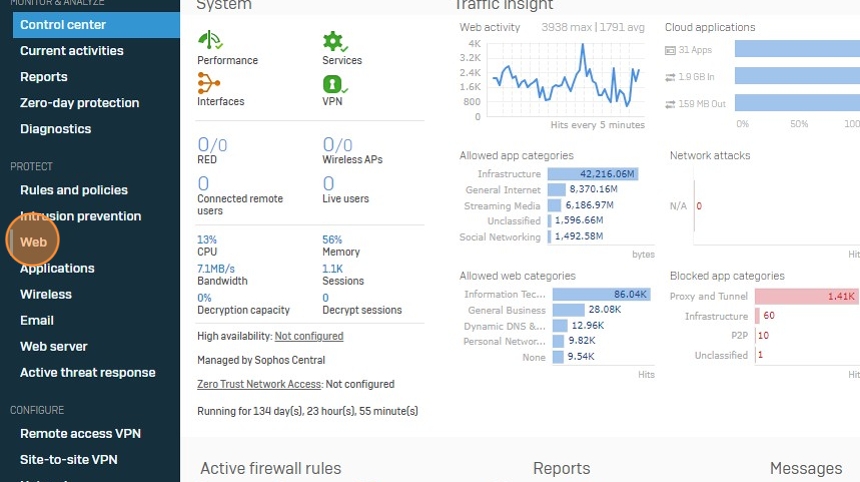
2. Under Protect, Click "Web"
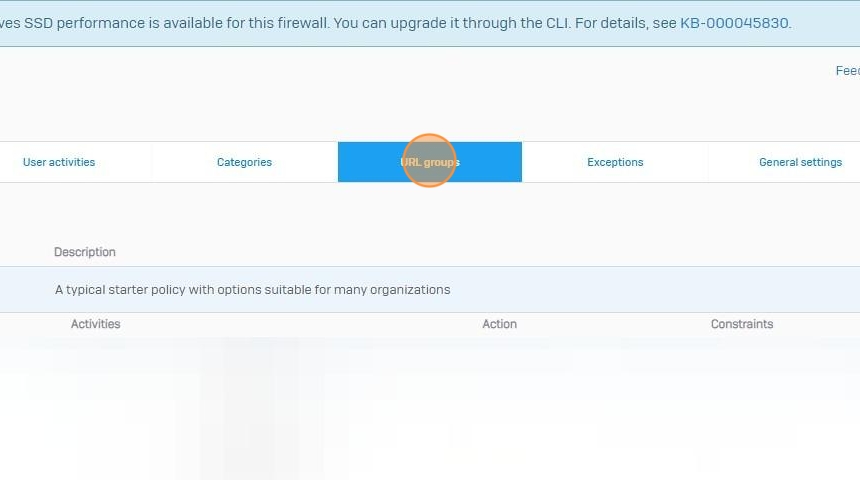
3. Click "URL groups" in the top
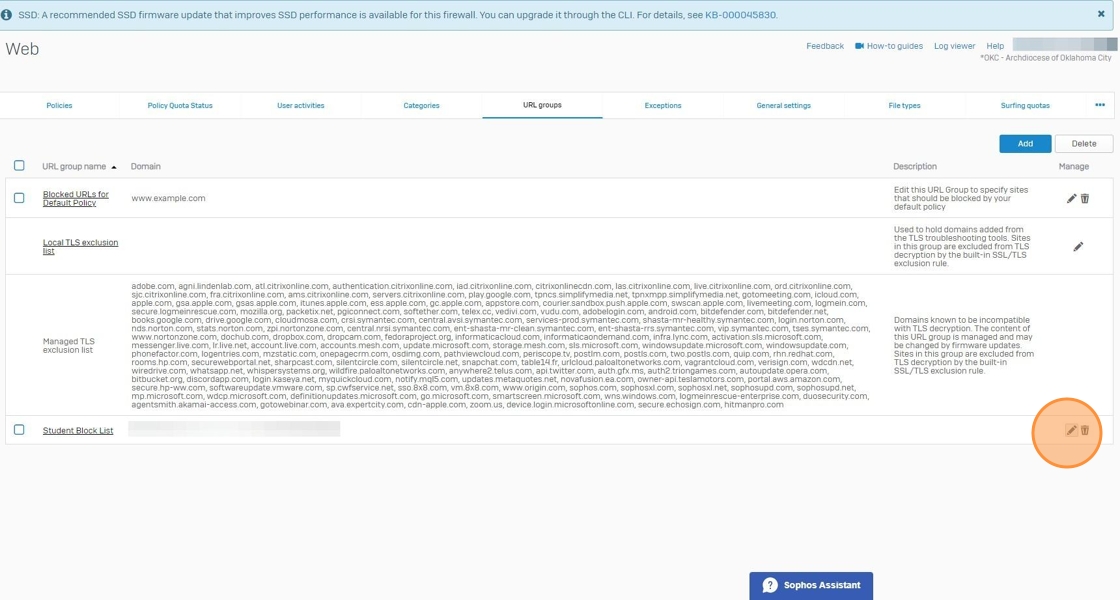
4. Click the "Edit" button of the URL Group you would like to add the blocked URL to.
5. Click the "Search / Add" field.
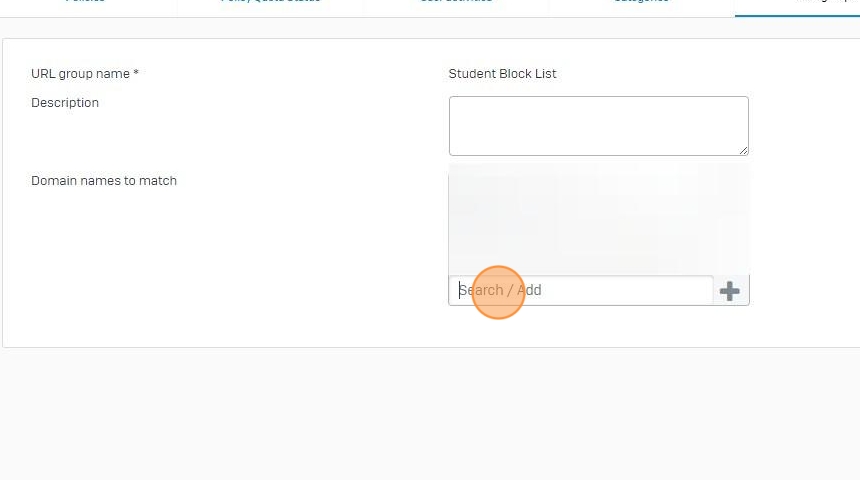
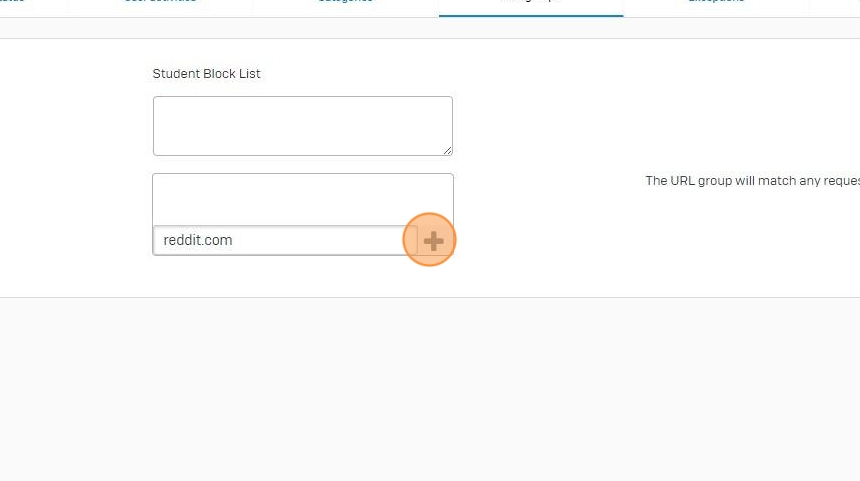
6. Type the domain you would like to block.
7. Click the [[+]] button.
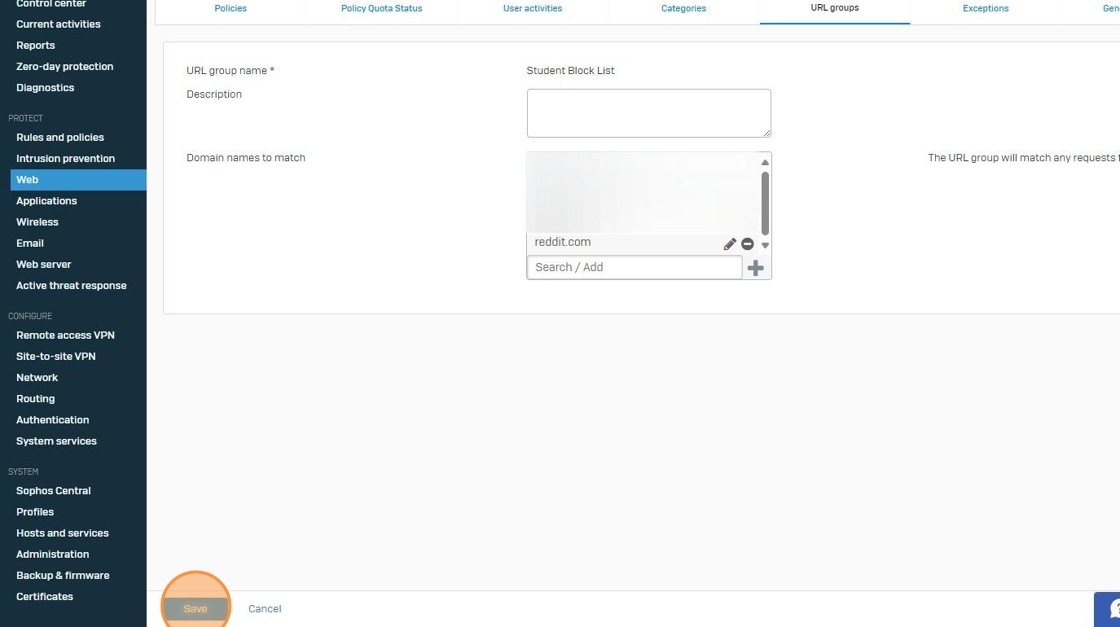
8. Click Save to save your URL Block additions.
Was this article helpful?
That’s Great!
Thank you for your feedback
Sorry! We couldn't be helpful
Thank you for your feedback
Feedback sent
We appreciate your effort and will try to fix the article